Link Trading Guide & FAQ

This Guide will show you step-by step how to utilize
the in-game Link Trading feature in Pokémon Monomyth.

Online Trading: Emulator-to-Emulator

  • The prefered method for participating in Link Trades with your friends is via the “Celio Link" website and associated client.
    This is a fast and easy way to utilize the GBA Link Cable over the internet.
  • To utilize Celio Link, you will need to use a desktop PC.
    The client software is available for Windows, Mac OS, and Linux.
  • External Download

    Step 1:

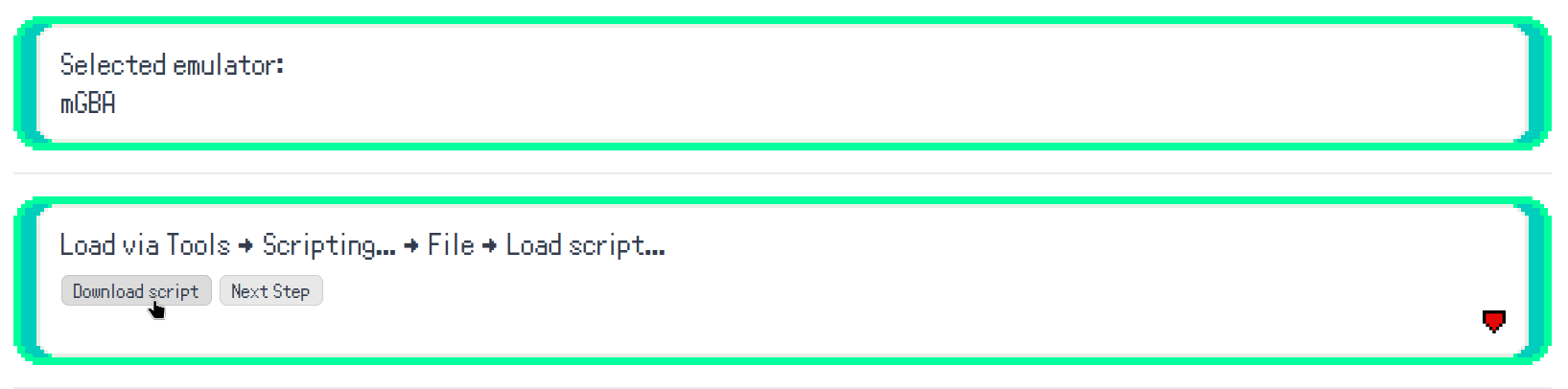
  • Navigate to the Celio Link Website.
    You should be on the left-side tab that says “Online Emulator Link".
  • Step 2:

  • Select “mGBA" (currently this is the only supported option)
  • Proceed to “Download Script"
  • Step 3:

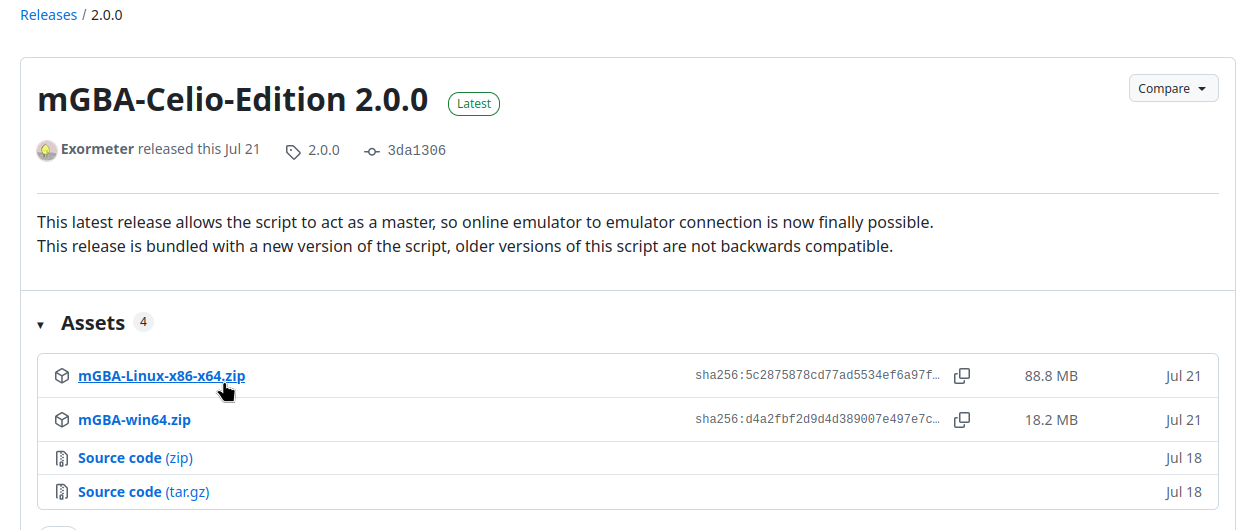
  • Select the download on the GitHub page for your operating system and extract the contents.
  • If you are using Mac OS; the OSX version is included with the Linux download.
  • If you are using Linux; you will need to give executable permission to the .appImage file before it can be run.
  • Step 4:

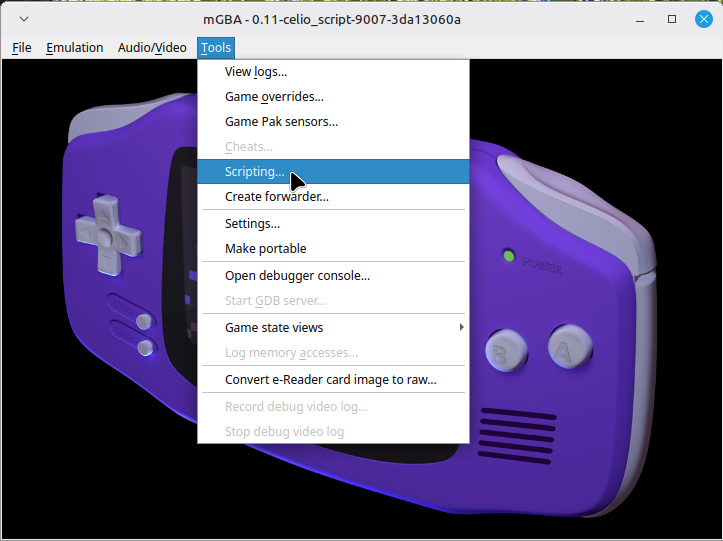
  • Open the executable, this is a special version of the mGBA emulator that is configured to work with Celio Link.
  • Select Tools from the top menu bar, then Scripting from the dropdown menu.
  • Step 5:

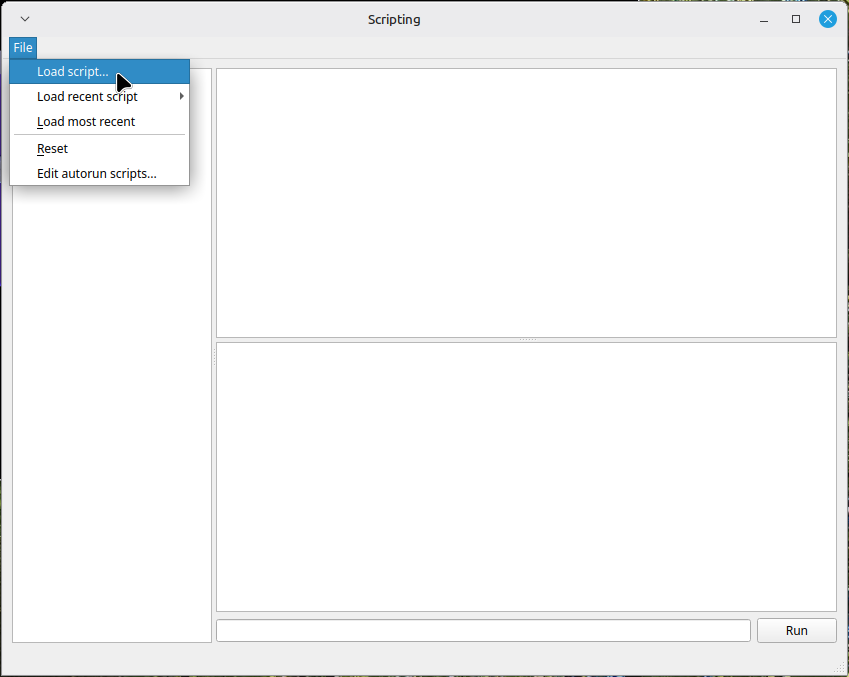
  • In the Scripting window, go to File, then Load Script from the dropdown menu.
  • Select the .lua script that came packaged with the client.
  • Step 6:

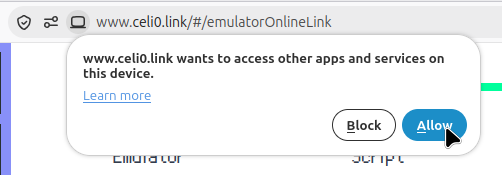
  • If prompted by your browser, allow the Celio Link site to access other apps.
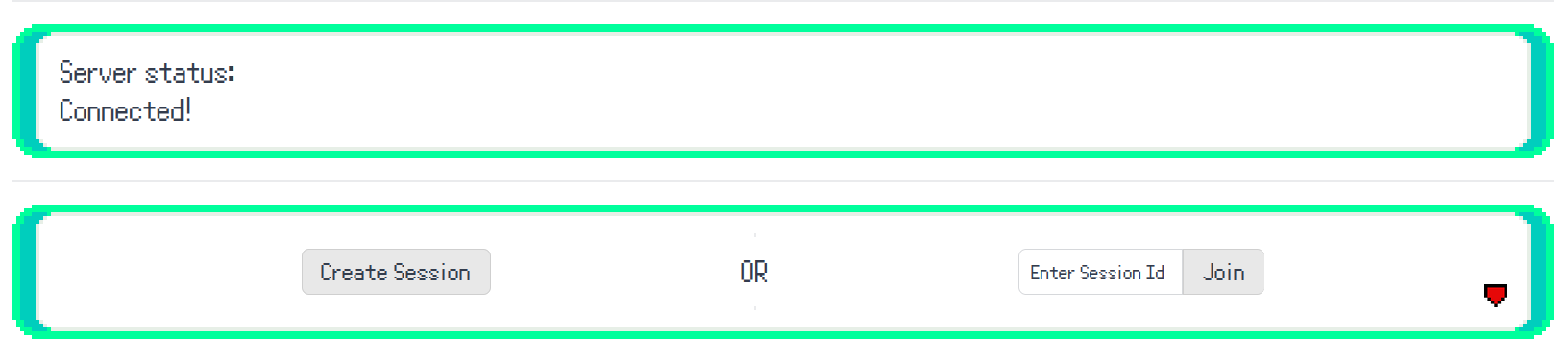
  • The webpage should now say “Server status: Connected!"
  • You can now create a session ID, or input the session ID created by your friend.
  • Step 7:

  • Load the Pokémon Monomyth rom.
  • If mGBA is not the emulator you are using to play the game already, ensure that your save file is in the same directory as the rom.
    E.g. PokémonMonomyth.gba should be in the same folder as PokémonMonomyth.sav.
  • Other emulators may give the save file a different extension such as .srm.
    If this is the case, as long as you rename the extension, then change it back afterwards, your emulator of choice should be able to use it.
  • Step 8:

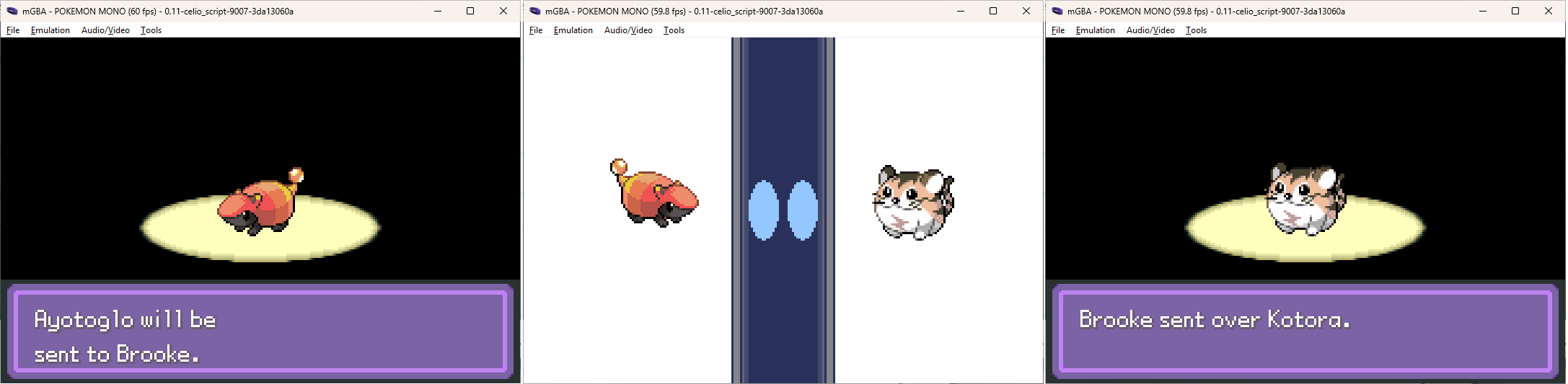
  • Once you and your friend have connected to the session successfully,
    proceed to the Pokémon Center's Link Trades counter.
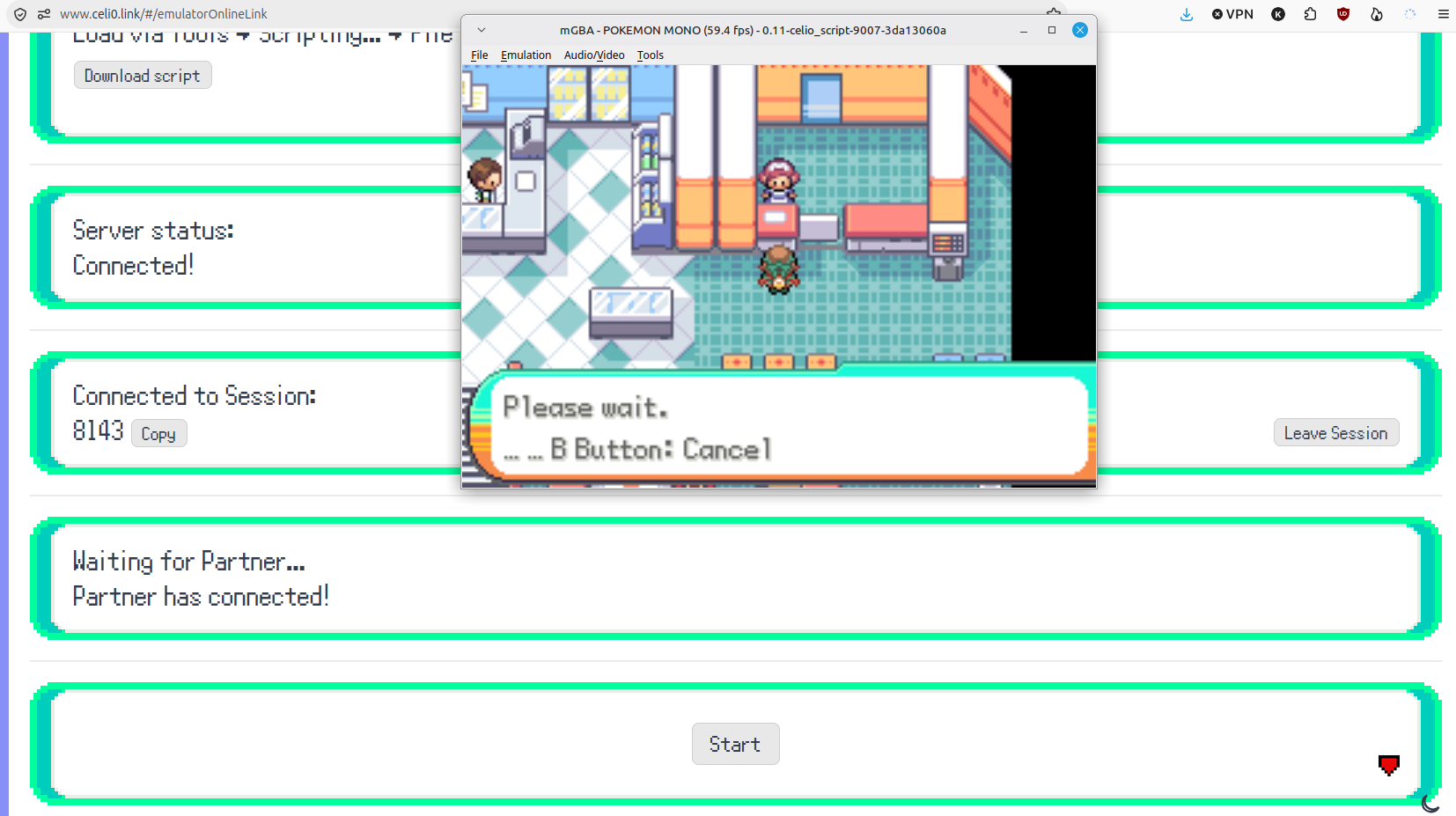
  • Press the “Start" button on the web page once you are both there.
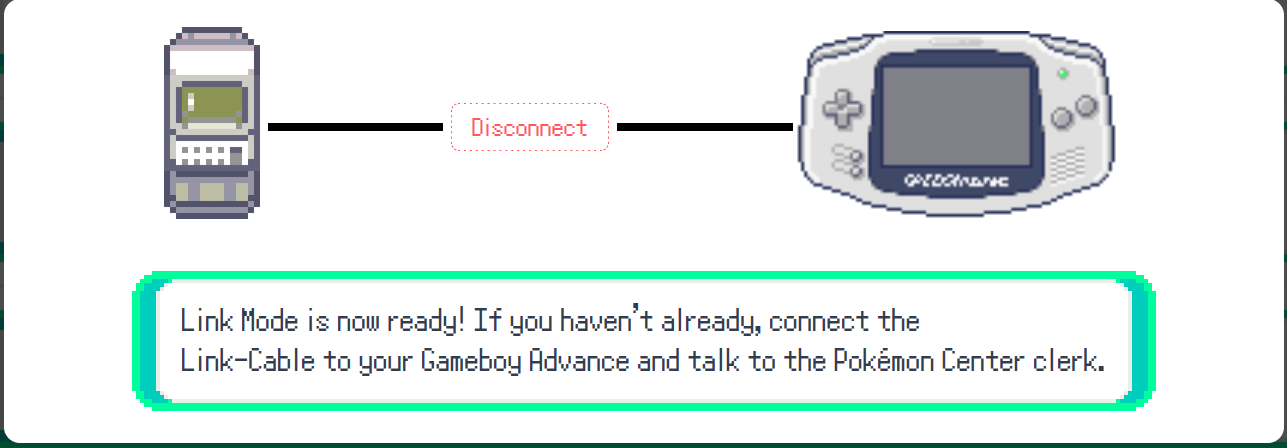
  • Once fully connected, you should see this on the webpage:
  • Step 9:

  • Enjoy Link Trades over the internet via Celio Link!
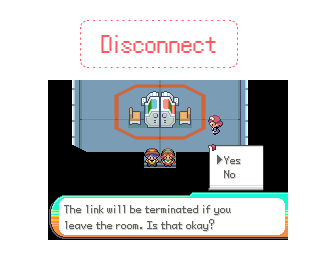
  • Remember to press the “Disconnect" button on the website
    when you have concluded your Link activity.
  • Real Hardware Trading:

  • Using two Flash Carts (such as the EZ Flash Omega IV) and a real GBA Link Cable,
    you can perform Link Trades using real GBA Hardware!
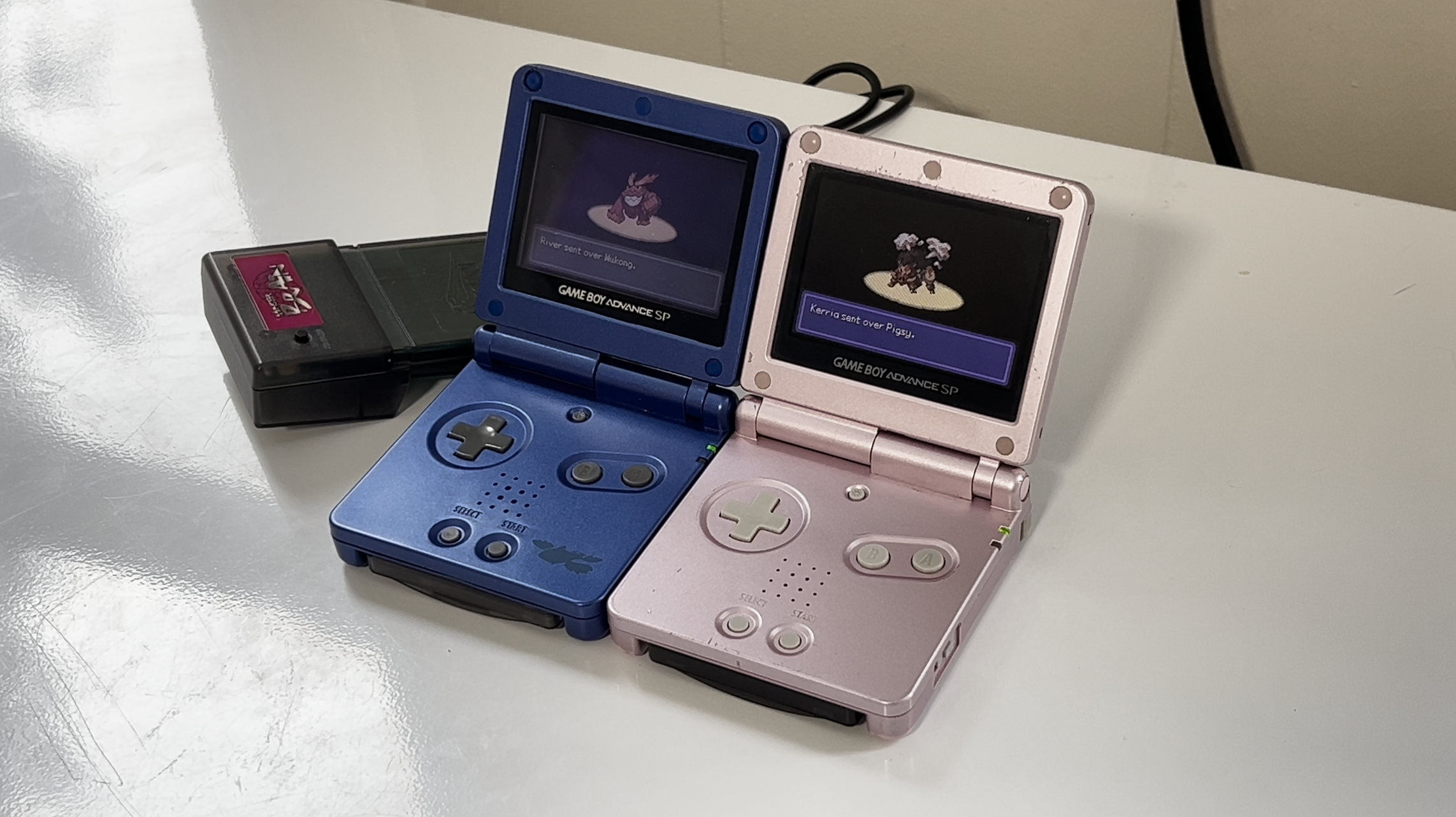
  • This requires a GBA Link Cable; the GBA Wireless Adapter is not compatible.
  • Link Trading FAQ

  • Can I trade between my Real Hardware save and a friend who is playing on PC via Emulation?
  • If you copy your save file from your flash cart's SD card to your PC you can use it with Celio Link.
    Once finished, copy the save file back to your SD card.
  • Can I trade Pokémon between the official Generation 3 games and Monomyth?
  • No. Monomyth is not trade compatible with the official games.
  • My friend tried to trade me a Pokémon, and the trading screen said I “can't handle it yet".
    I'm already quite far into the game, so what gives?
  • Even when you have many Badges there may still be other challenges ahead to face
    before you can handle certain high-leveled Pokémon.
  • Why can't I trade my starter Pokémon to my friend?
  • The Pokémon you found doesn't belong to you!
    Ask the owner for permission before trading or releasing it.
  • Are there any Pokémon that can never be traded?
  • Yes. Certain Pokémon are important to the progression of the story.
    Items that are extremely rare or important to the story may also prevent trading when held.
  • How come I can't do Link Battles like in the official Generation 3 games?
  • Monomyth's battle engine is extensively modified to the extent that it is no longer compatible with Link Battling.
    As an alternative, please enjoy exporting your teams via QR Code to battle in our custom Pokémon Showdown Server, the Athanto Colosseum!